Providing Context: Files & Folders
Give the agent exactly the context it needs by referencing files and directories directly in your prompt.
Using @ mentions
Type @ followed by a file or directory path. Ante shows a search dropdown as you type — press Tab to autocomplete, then Enter to confirm.
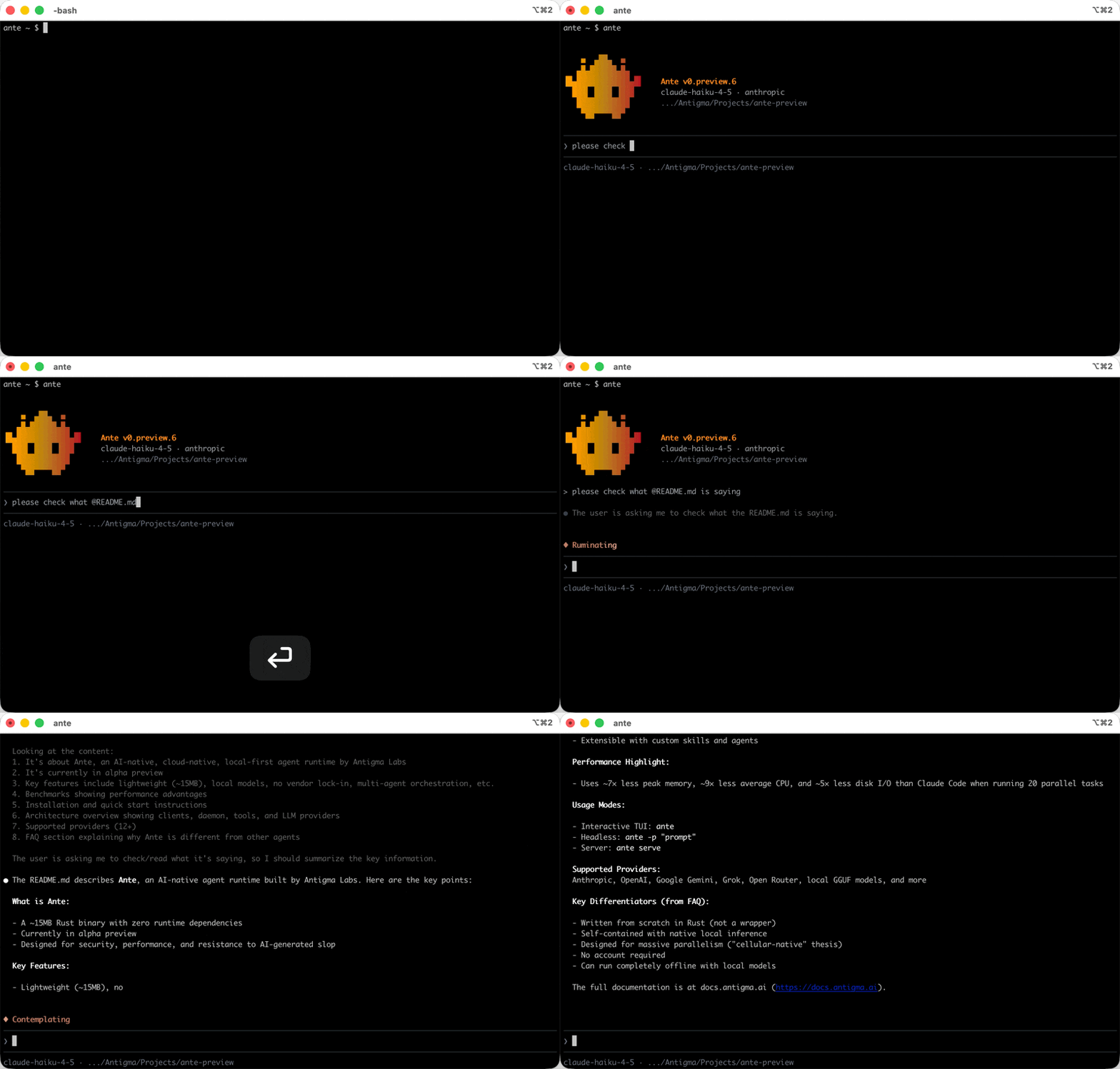
@path/to/file.rs— embeds the full file contents into your message@path/to/dir/— embeds the directory tree listing
This ensures the agent sees exactly the code you're asking about, without guessing or searching.
tip
If you paste multiple file paths, Ante auto-prefixes them with @ for convenience. You can reference as many files as you need in a single prompt.